★★★★★ Trusted by Filipino teachers
Grading made
effortless.
A desktop gradebook app built for teachers — track grades, attendance, and student performance all in one place. Works fully offline.
A desktop gradebook app built for teachers — track grades, attendance, and student performance all in one place. Works fully offline.
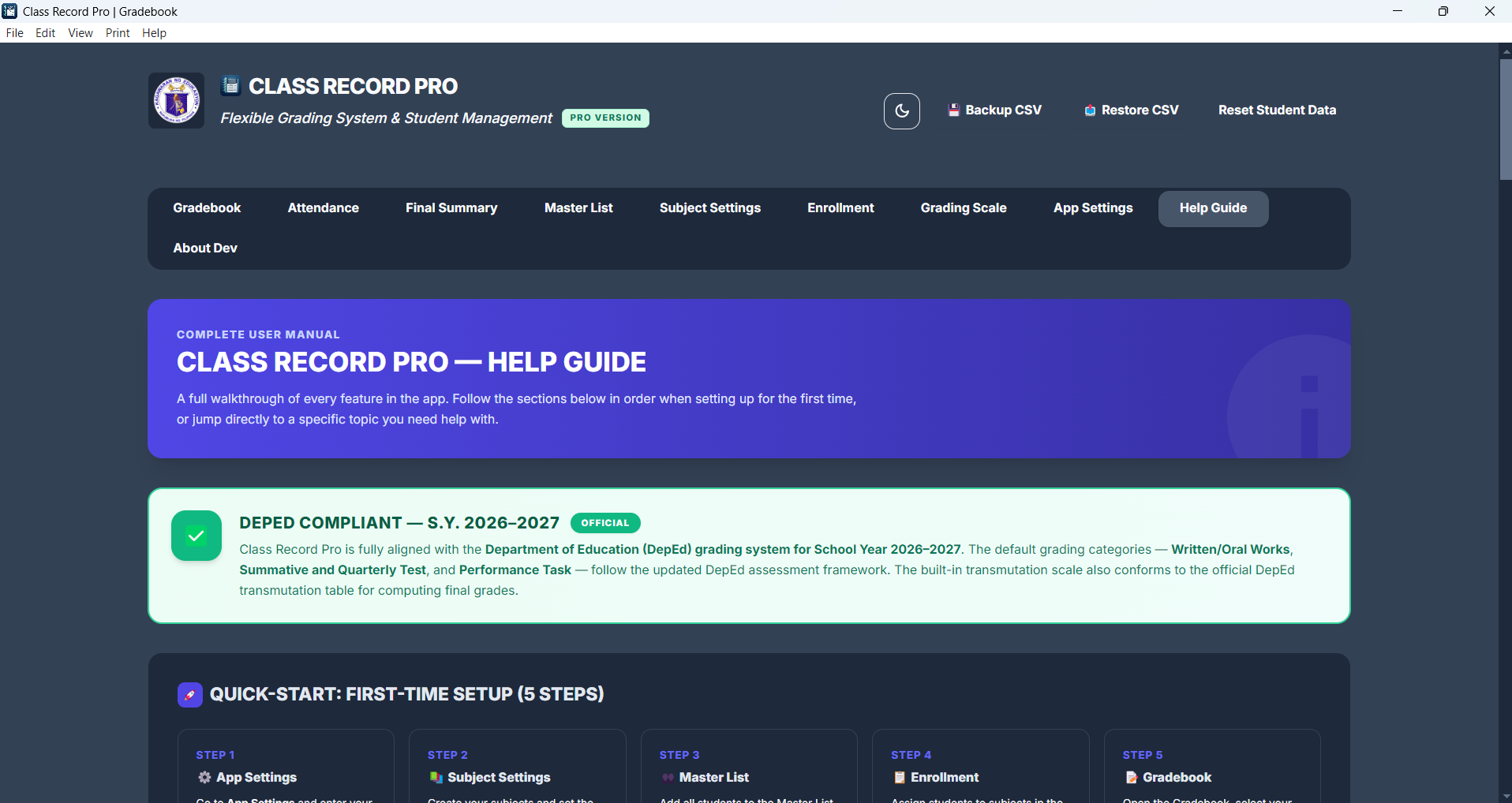
DepEd Compliant — S.Y. 2026–2027
OfficialFully aligned with the Department of Education (DepEd) grading system for School Year 2026–2027. Default categories — Written/Oral Works, Summative & Quarterly Test, and Performance — match the updated DepEd assessment framework. The built-in transmutation scale follows the official DepEd transmutation table for computing final grades.
No internet required. No accounts. Just open the app and start recording.
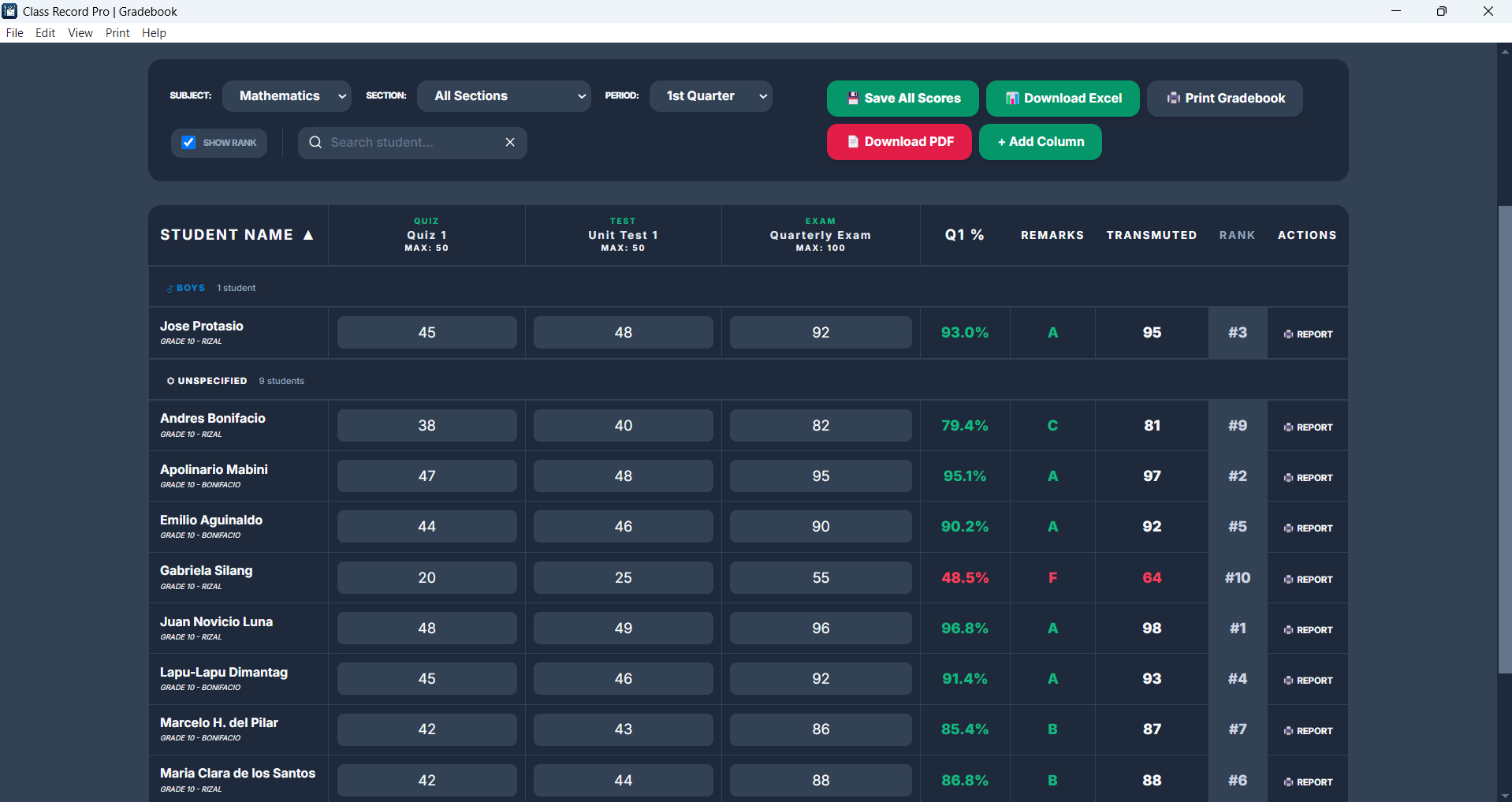
Auto-calculates Written Works, Performance Tasks, and Quarterly Exam scores using the DepEd formula.
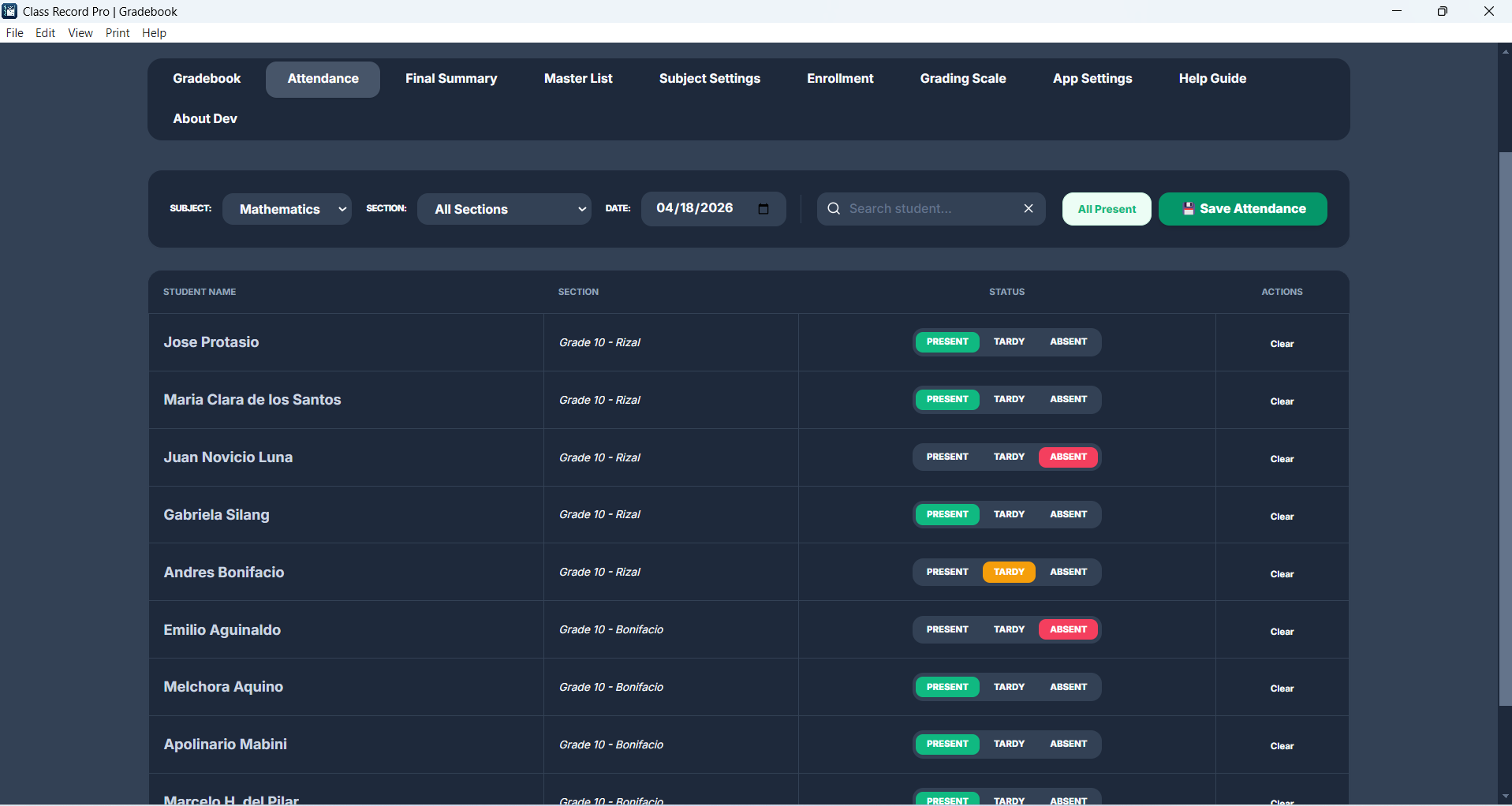
Mark Present, Absent, Late, or Excused per student per subject. Cumulative totals and attendance percentage are calculated automatically.
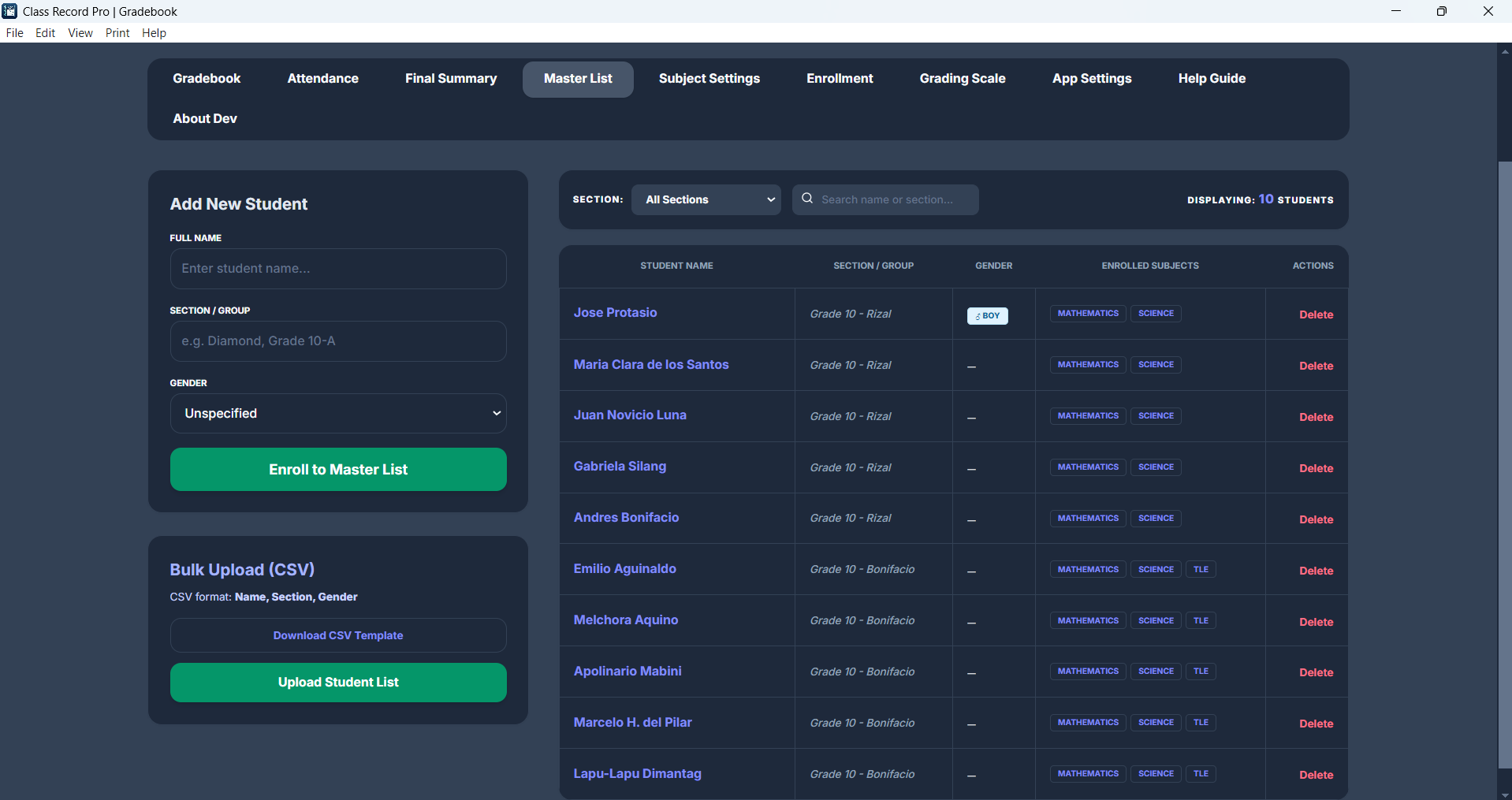
Manage your full roster across all sections and subjects in one place.
Export all data anytime. Restore on a new device in seconds — your records are never lost.
Clean printable gradebooks formatted for submission. Export to PDF or CSV. Generate individual student report cards with a single click.
All data on your computer. No cloud account, no subscription, no internet required.
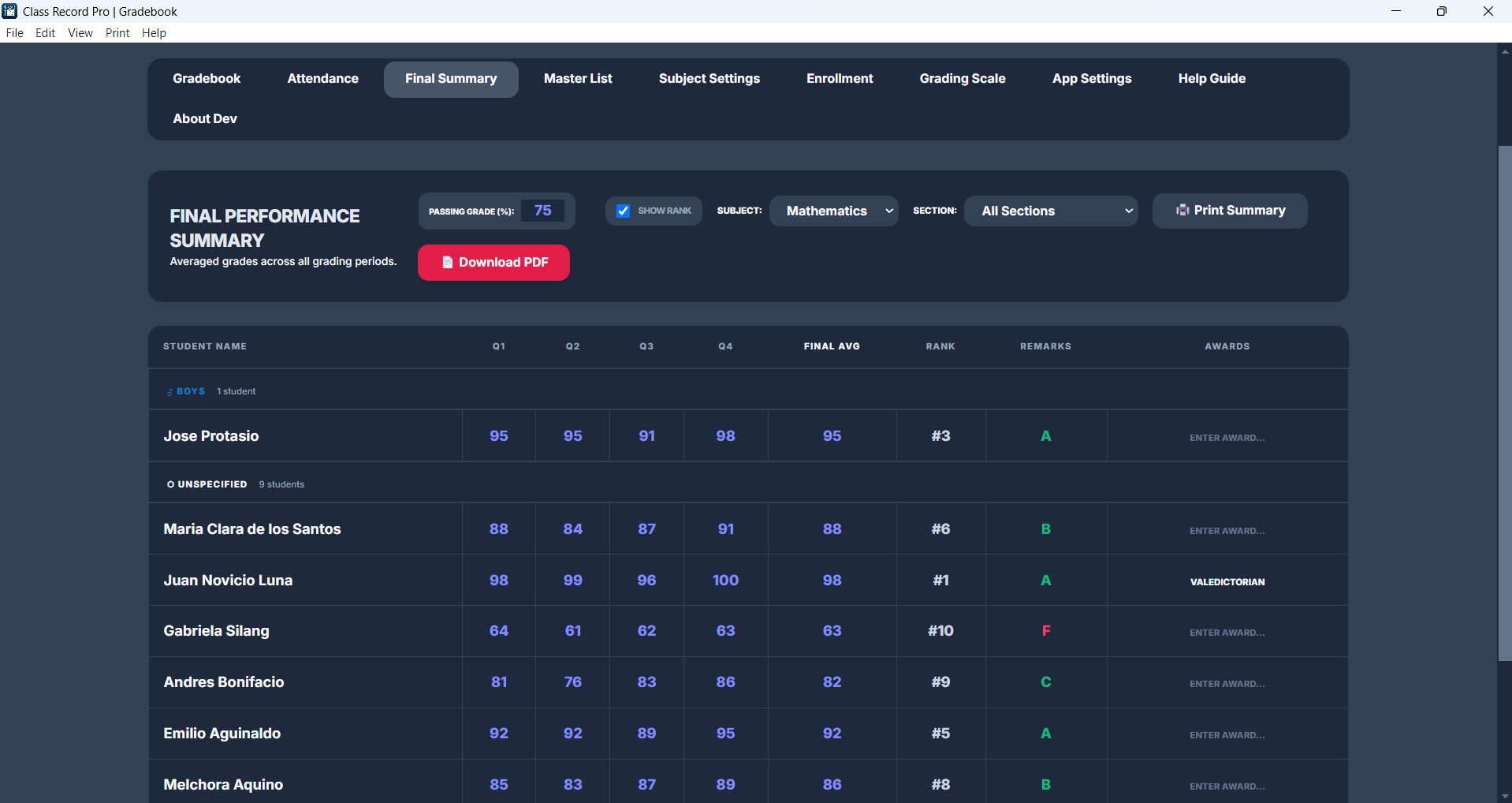
See every student's Q1–Q4 transmuted grades and computed full-year average in one consolidated view per subject. Print the year-end summary in seconds.
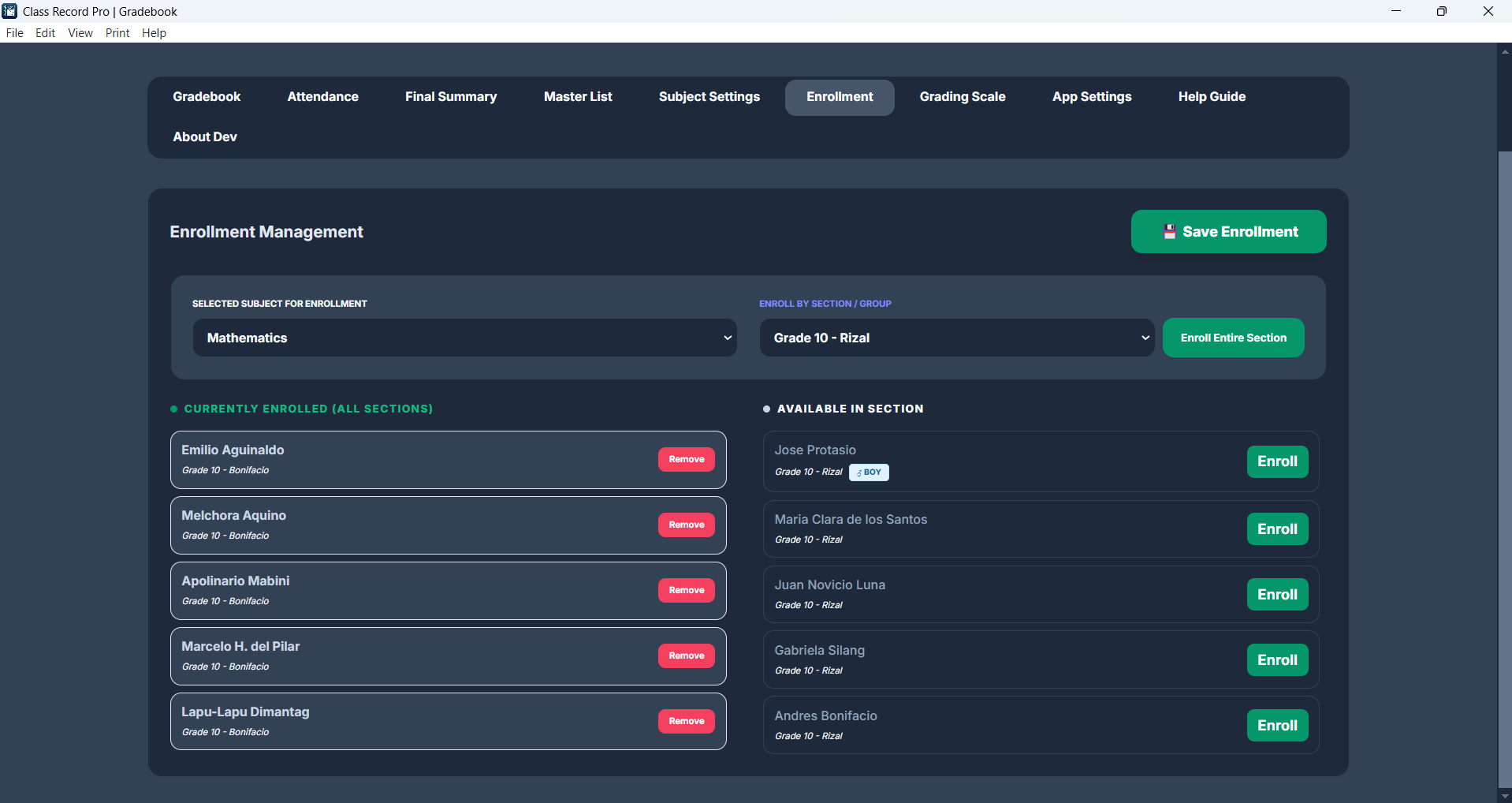
Assign students to subjects individually or enroll an entire section at once. A student can be enrolled in multiple subjects simultaneously.
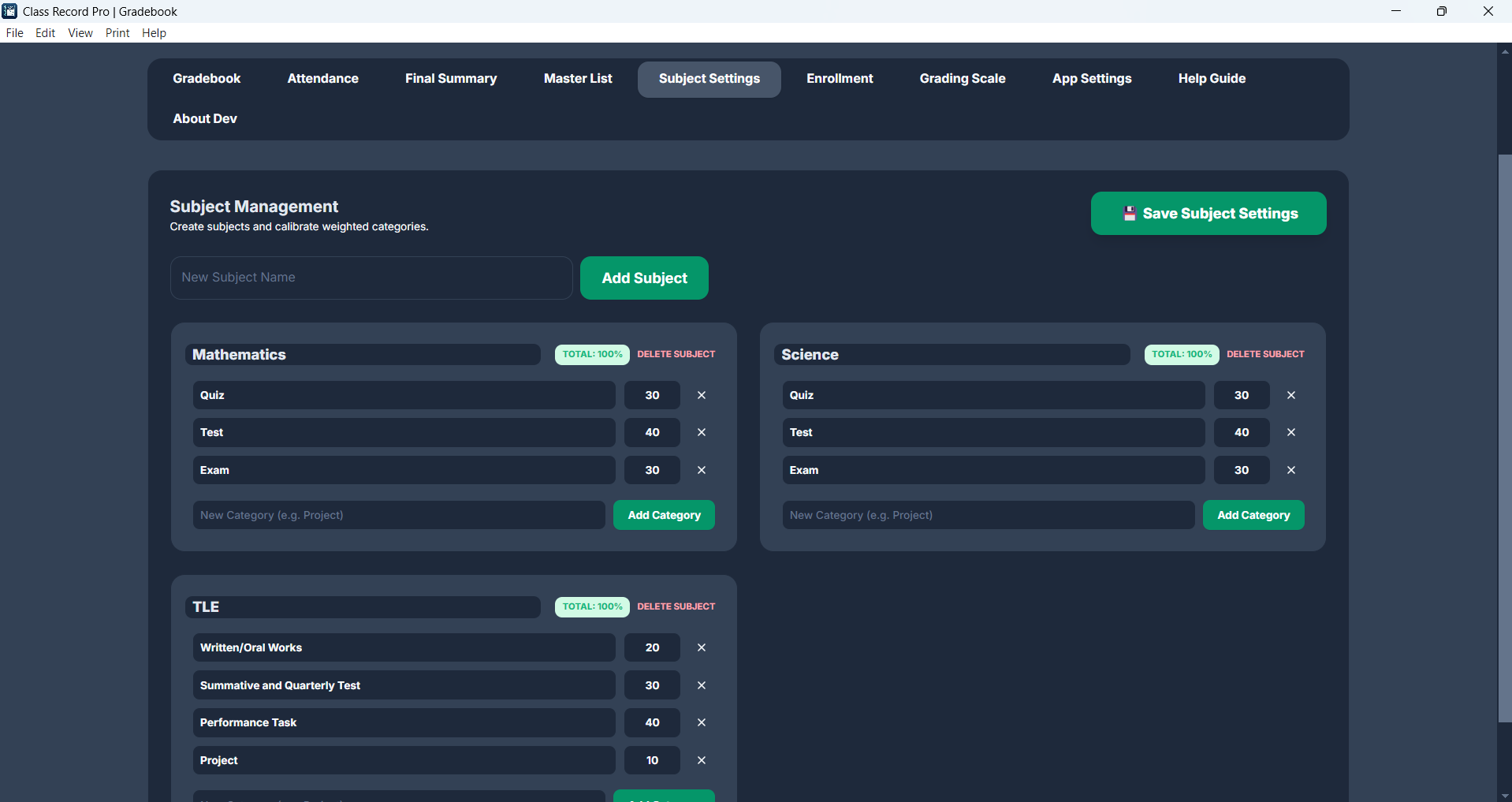
Set per-subject category weights for Written/Oral Works, Performance Task, and Summative Test. Rename or add categories to match any school's grading policy.
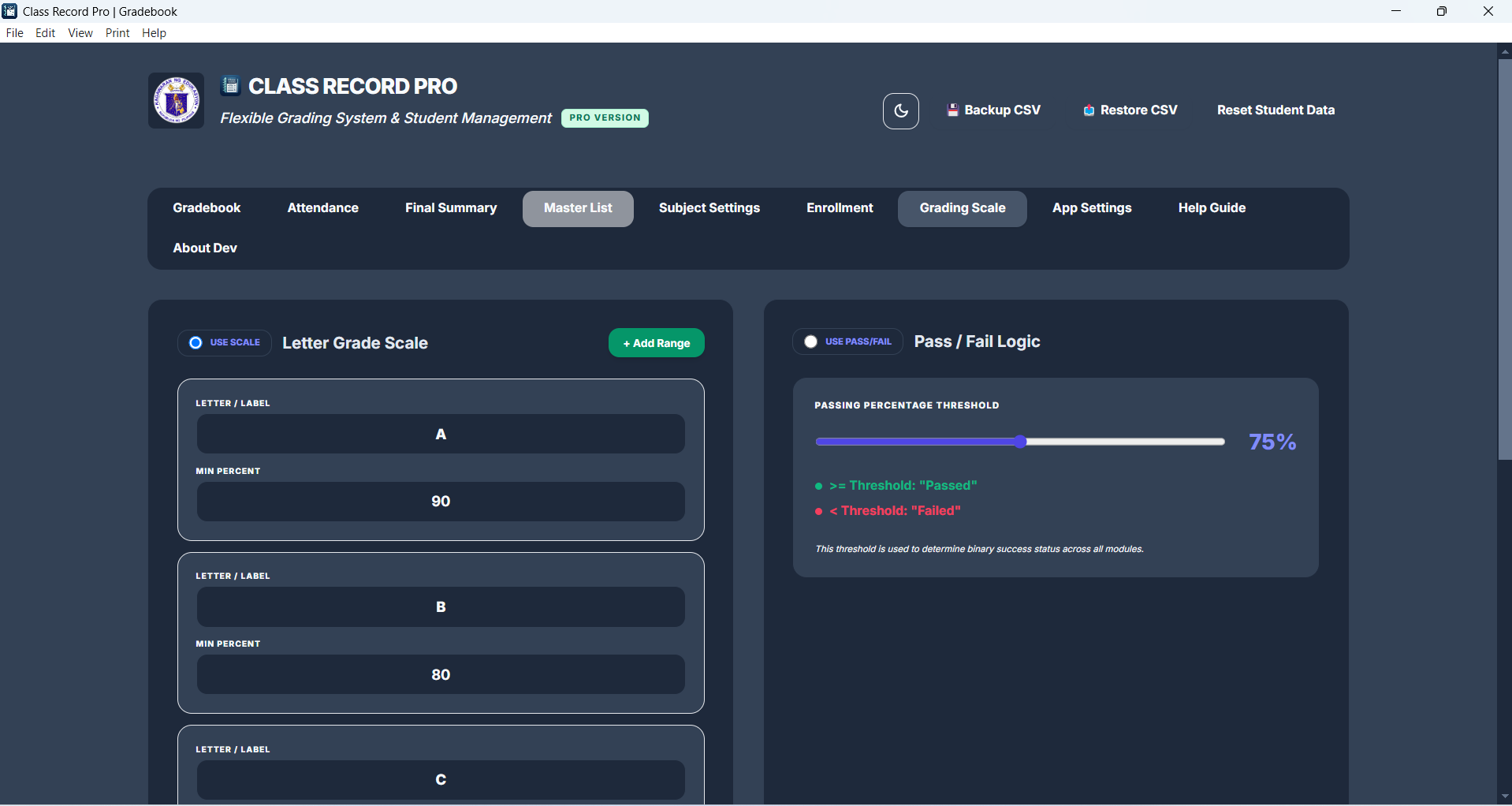
Choose letter-grade ranges (A, B, C…) or a simple Pass/Fail threshold. Remarks appear automatically in the Gradebook, Final Summary, and exported PDFs.
Add your school name, logo, address, and teacher/principal signatures for PDF headers. Pick a theme color and toggle dark mode to suit your preference.
Switch between Quarterly (Q1–Q4), Semester, or Trimester grading systems. The Gradebook and Final Summary adjust automatically to match your setup.
One-click installer for Windows. No complex setup required.
Add subjects, sections, and grading components in Subject Settings.
Import from CSV or add manually. Organize by section and subject.
Enter scores, track attendance, and generate reports — all from one window.
Pay once. Use forever. No monthly fees.
Perfect for trying it out or managing a single small class.
Everything you need to manage a full teaching load across multiple classes.
🔒 One-time payment · Activate on up to 2 devices · Instant delivery via email
Free to download. No account needed. Works on any Windows PC.
⬇ Download for Windows — Free